Character design guide
Time to design your Veilhorn unicorn! This guide will provide you with everything you need to get your design uploaded and approved.
The first step is to download the correct template, depending on your character's bloodline. Each bloodline has their own unique appearance, more can be read about them in the Bloodline guide.
If you want help designing your Veilhorn or have any questions you are always welcome to ask in the discord server!
(The site's Character Creator tool is still in development and unavailable at this time, but once it's released it will be an *optional* doll-maker style tool allowing you to design your character using hundreds of pre-made parts and color options - perfect for those who prefer not to draw their own designs.)
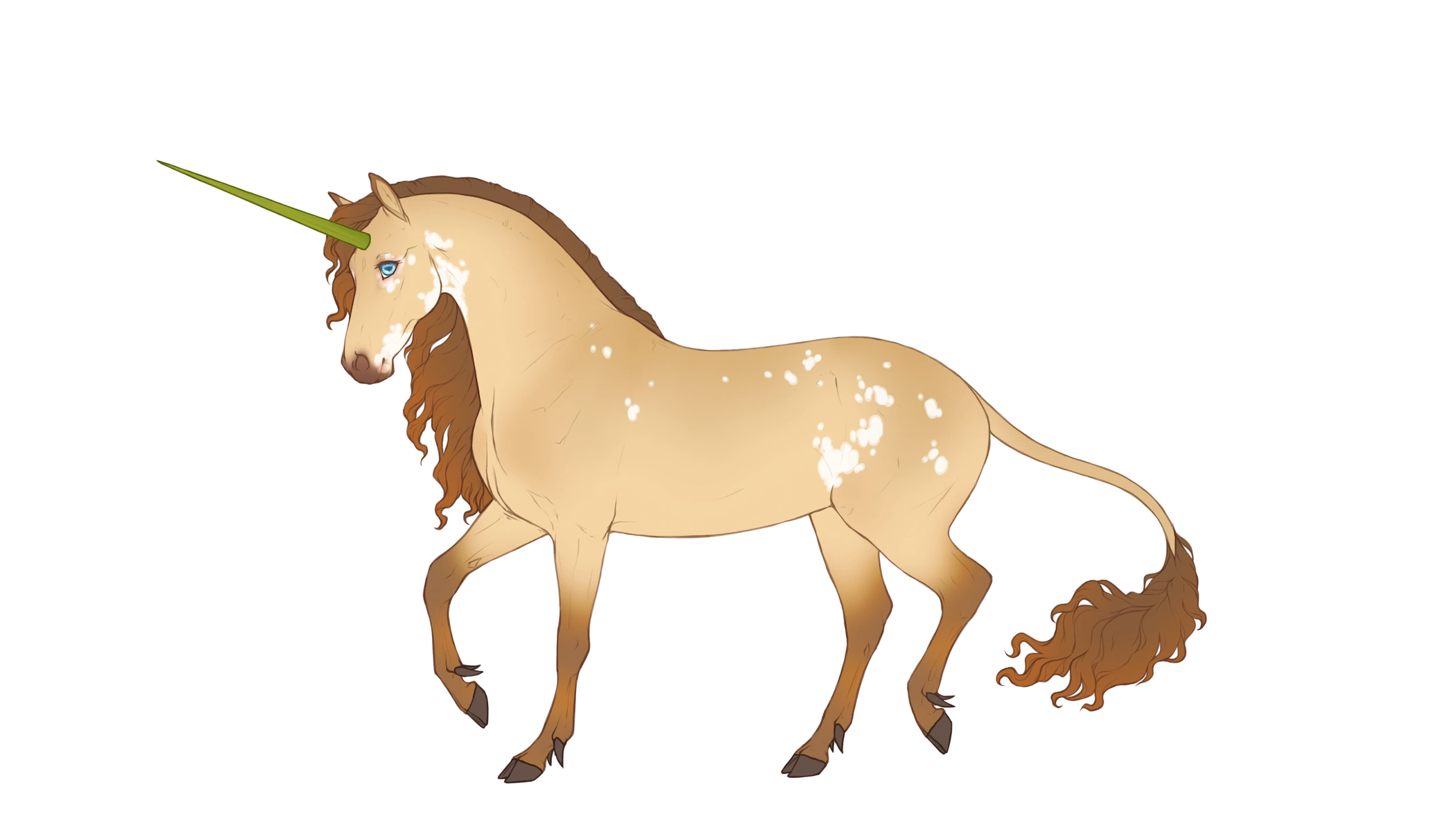
Example of a character design where the lineart has been colored but is still visible.
The horn is colored after this Veilhorn's elemental alignment (nature), with naturally brown hooves, and blue eyes caused by vitiligo. Phenotype: buckskin champagne with starkissed, vitiligo, polydactyly.
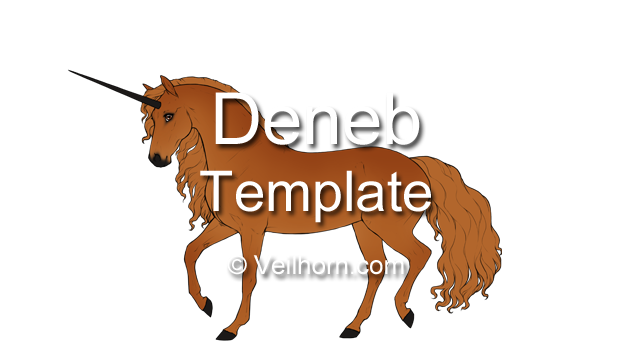 Deneb
Deneb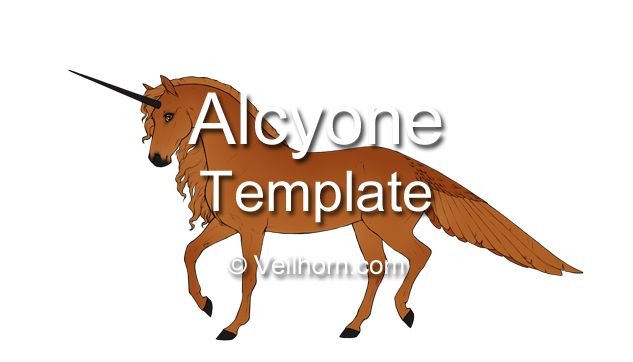 Alcyone
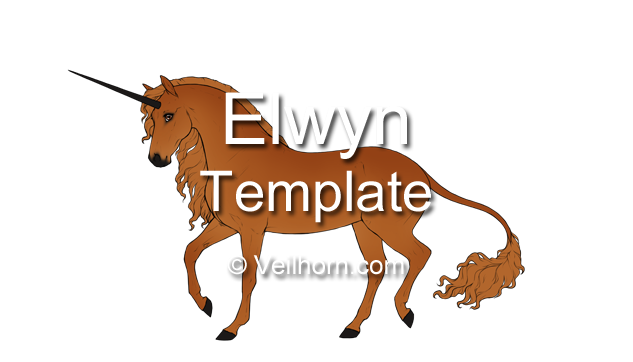 Elwyn
Elwyn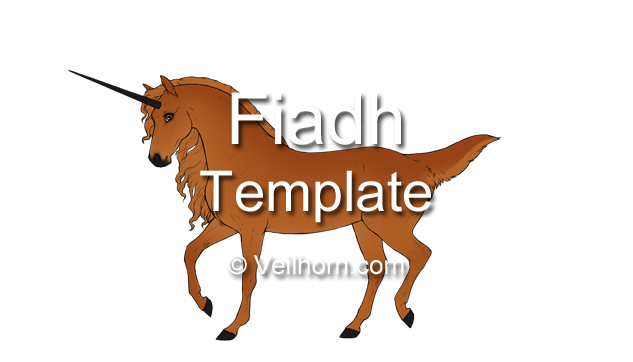 Fiadh
Fiadh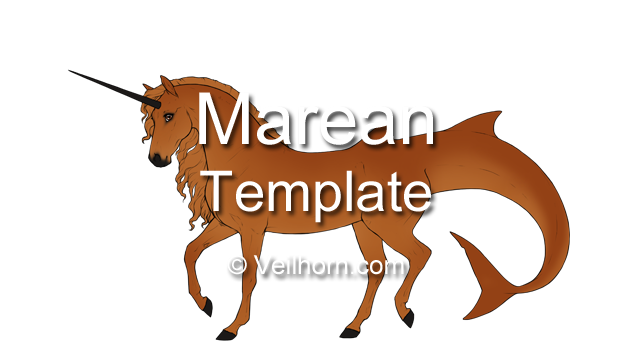 Marean
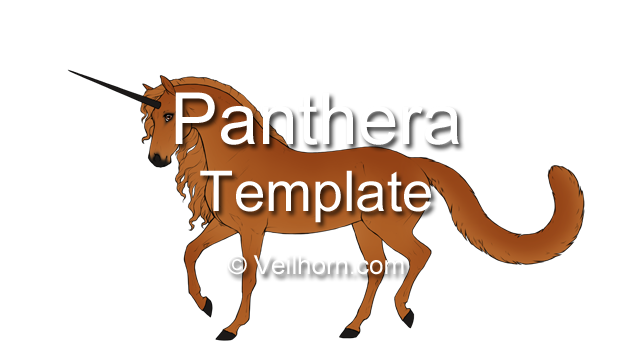 Panthera
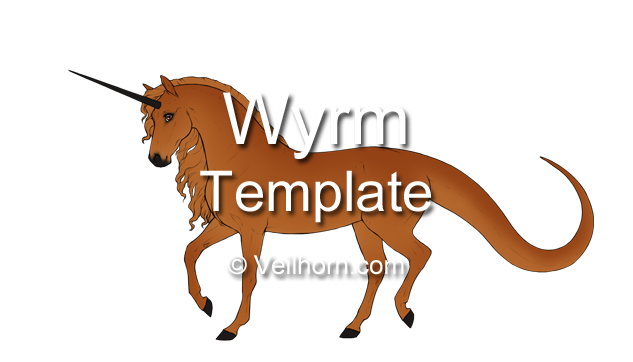 Wyrm
WyrmImportant template and design information
The template is meant to show your character's unaltered design in order for staff to review and approve it. If the template's build doesn't fully match what you have in mind for your character that's completely valid! However, the template itself may not be altered into other body types (such as pony, slender, draft, etc.) If your character has a different body build than the design template it is recommended to upload a reference image to their profile after their design has been approved.
In general, the character's reference image is the best (and correct) place to fully show your character's personal style and body shape. You can give your character leg feathering even if the design template does not have it, and you can add hairdyes and tattoos as equipment after the design has been approved.
Please avoid using existing characters as references for how a design should look. For the most accurate information, always check the design guide and the rules below. Older designs may contain mistakes, and the guide may change over time.
Once your character's design has been approved you will no longer be able to change their genotype, bloodline, or element, so please make sure you are happy with your current geno before you submit their design. If the design you submit does not fit your character's genes you may be asked to alter the submitted design, or if the design works better as a different geno you will be given the option of adding/removing genes in order to make the submitted design work.
You are allowed to:
- Draw your own horns, as long as it's the correct shape and type for your Veilhorn's horn genotype - see Horns customization guide.
- Draw your own iris/pupil shape in the eye.
- Color the lineart on the template as long as it is still visible and darker than the design. The lineart may be lighter than the design for spectral wings or similar.
- Customize coat and markings with dapples, mapping, and more. See Coat variations customization guide.
- Draw your own mane and tail or modify the ones included in the template as long as it follows the respective mane and tail customization rules.
- Draw your own mutation linearts or modify the ones included in the template, as long as it does not resemble a mutation your Veilhorn doesn't have. Wings from Seraph mutation must be positioned in such a way that they do not obscure the body of the character too much (use default wing linearts if unsure).
- Color in the chestnuts on the legs, as long as they follow the same color rules as the hooves.
- Draw your own all-seer eyes if your Veilhorn has All-seer.
- Reupload the finished design made on these templates on other sites as long as you link back to this site in the submission or description.
- Share modified versions of the design templates in the #modded-design-templates channel in our official discord server, as long as the modified template follows these rules.
You may not:
- Crop or resize the template/lineart.
- Add a background image or background color, it must be uploaded with transparent background. (You will be able to select and change background image after the design has been approved, which is why it must be uploaded on a transparent background).
- Add accessories or armor/clothing/items. You can use equipment after the design has been approved.
- Add shading or textures that do not resemble your Veilhorn's genes or Coat variations.
- Draw scars, injuries, broken/missing horns, or missing limbs. They can be added on your character's reference sheet after the design has been approved.
- Move or change the position of the template/lineart on the canvas.
- Alter the lineart of the body. While you may draw mutations and such, you may not give the template a different size (making it smaller or larger), reposition the legs, or change the character's shape/build (making it more slender or heavy). You may not alter the head shape to give it a roman or dished face - these are customizations that should be on the reference image instead. The only customization allowed on the body lineart itself is for a decayed/skeletal lich mutation which may require erasing parts of the template and redrawing them as a skeleton.
- Draw your own horns to resemble a horn shape/type your Veilhorn doesn't have.
- Redistribute the template files themselves (except for within our official discord server) or claim the files as your own.
Designing your Veilhorn
Your Veilhorn's genotype/phenotype, horn geno, and potential non-heritable traits will determine what your character will look like. Many of the Veilhorn genes exist in real-life horses or are inspired by other animal genetics, and many of them have new and exciting optional effects to play around with. Note that some genes have been intentionally altered for the Veilhorn breed and might not behave that way in real-life. And if you are unsure: ask!
Please avoid using existing character designs as references for how a gene should look. For the most accurate information, always check the design guide. Older designs may contain mistakes, and the guide may change over time.
Colors & Markings
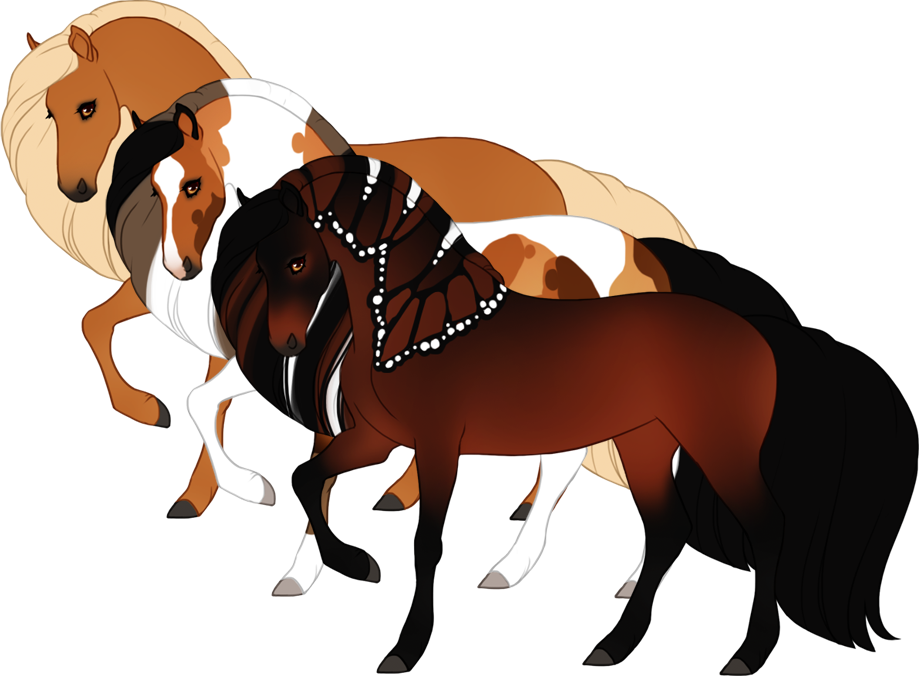
Guide covering all genes:
Base colors, Dilutions, Modifiers, Patterns, White patterns, Shimmer, Mutations, Non-heritable traits
Customization
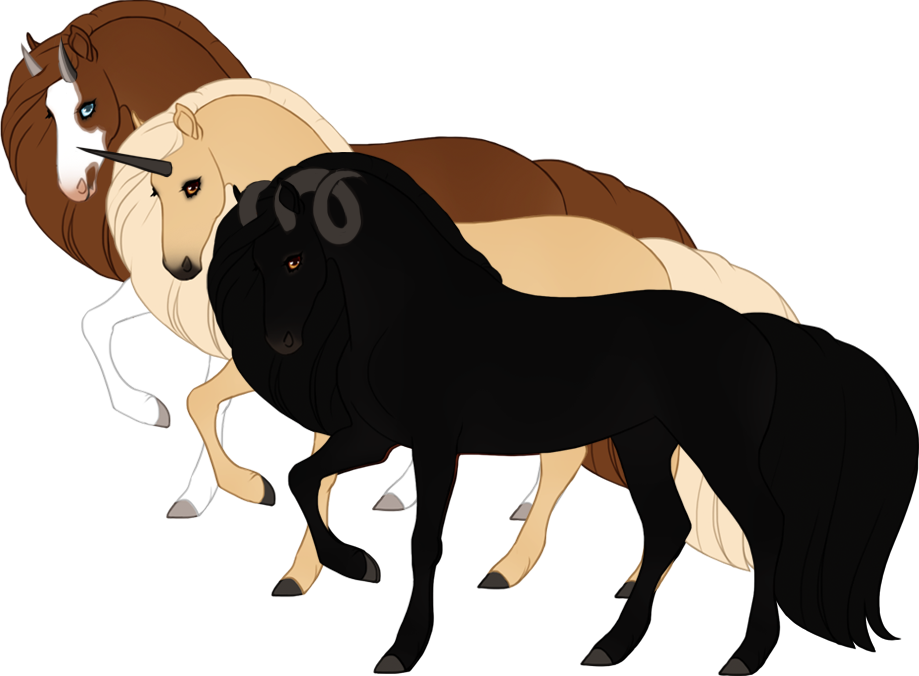
Guide covering all customization:
Eye color, Hoof types, Horn shapes and types, Horn and hoof color, Coat variations
Elemental alignments
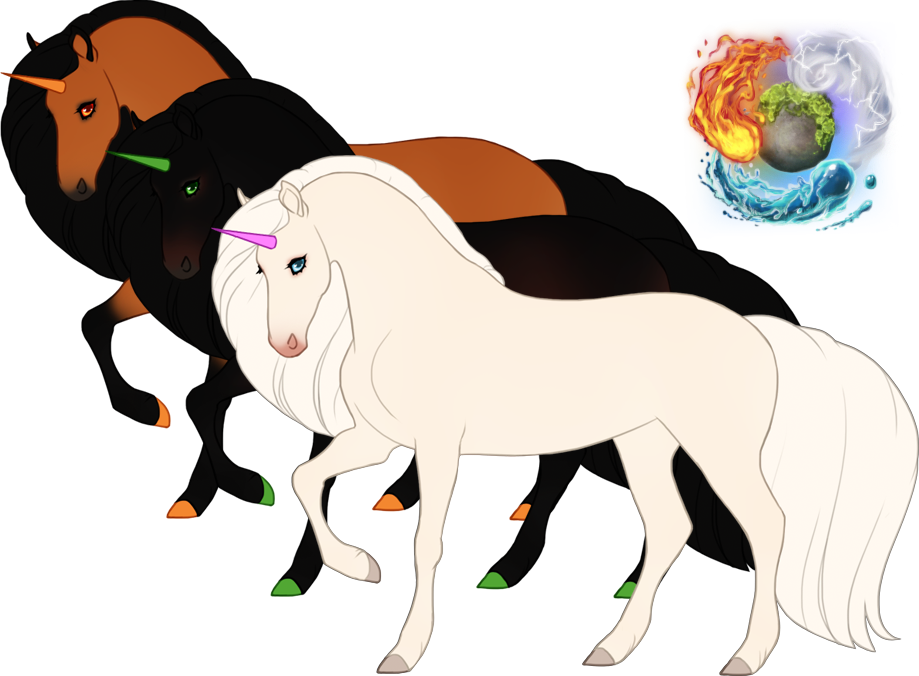
Guide covering Elemental Alignments:
Your Veilhorn's elemental alignment can optionally affect their eye, horn, and hoof colors.
Uploading your design
To upload your new design head to Submit Design, you can find this by clicking "Submit" in the navigation menu at the top of the site, or by clicking "Submit design" on the page of your undesigned geno.
When you upload the design you will also need to fill in your new Veilhorn's gender and name, as well as the username of the person who designed it. The name of your Veilhorn can be changed at any time after it has been approved.
After submitting your design it will go into queue to be reviewed and approved by site staff. If any changes are required before your design can be approved you will receive a notification about this. After your design has been approved your Veilhorn is ready to play with!
Redesigns
If you are uploading a new design for an existing Veilhorn then this can only be done through the character settings under "Submit new design". This will go through the submission queue the same way as all other designs and your Veilhorn's profile will be updated with the new design after the redesign has been approved.